Airbnb House Manual Template: Sections and Examples
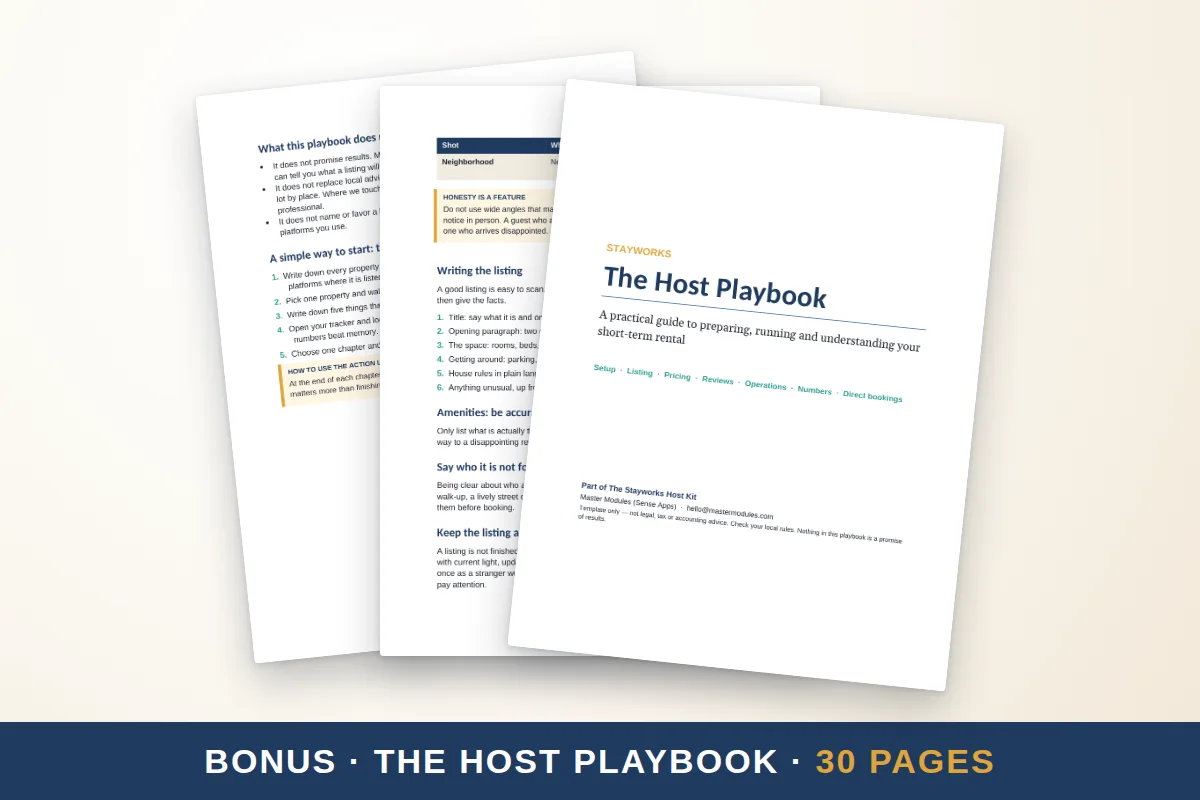
A house manual is a short, room-by-room guide to how things work in your home; write two or three lines for each item and group them so guests find answers in seconds. The template below covers the sections hosts use most. Fill in the brackets, keep the instructions plain, and add photos where a picture beats a paragraph.
How to find what to include
Walk through the home as if you had never been there. Every time you touch something, ask "would a guest know how to use this?" Then check your messages from past guests: the questions they ask most are your priority list. Typical items are the thermostat, the shower, the oven, the TV remote and the door lock.
The template
Arrival
- Address and parking: [where to park, what is allowed].
- Entry: [lockbox, keypad or key; how to open; what to do if it fails].
- First steps: [lights, shoes, where to find the manual].
Wi-Fi and entertainment
- Wi-Fi: network [name], password [password].
- TV: how to turn it on, which input, how to open streaming apps.
- Speakers or other devices: [instructions].
Heating, cooling and air
- Thermostat: [how to change the temperature; limits you have set].
- Fans, space heaters and windows: [safety notes].
- Fireplace or wood stove: [rules or "not for guest use"].
Kitchen
- Stove and oven: how to light or turn on, safety.
- Dishwasher: pods location, which cycle.
- Coffee machine: steps and where the supplies are.
- Fridge, freezer, microwave and trash disposal.
- Pantry basics provided: [list].
Bathroom
- Shower or tub controls and any hot-water tip.
- Where spare towels and toilet paper are.
- Anything to avoid flushing.
Laundry
- Washer and dryer cycles, where the detergent is, and quiet hours.
Trash and recycling
- Which bins, which items go where, collection day and where to leave the bags.
Safety
- Emergency numbers, nearest hospital or urgent care.
- Location of the fire extinguisher, first-aid kit and detectors.
- Main water shutoff and electric panel, for emergencies only.
- Your number and a backup contact.
Troubleshooting
| Problem | What to try first | Then contact |
|---|---|---|
| No hot water | Wait 20 minutes, check that the heater switch is on | [your number] |
| Wi-Fi down | Restart the router (location) for 30 seconds | [your number] |
| Power out in one room | Check the breaker panel at [location] | [your number] |
| Locked out | Try the backup code or call | [your number] |
Check-out
- Time, steps, where to leave keys and a thank-you. Use the check-out template.
Writing style
Use short sentences and numbered steps. Prefer "Press the button on the right" over "The unit should be activated." Add a photo of the thermostat, router and breaker panel. Avoid jargon. If a device is complex, link a short video or add a one-page cheat sheet.
Sharing the manual
- Printed: in a binder on the kitchen counter, with a QR code on the first page.
- Digital: a link in the pre-arrival message. A PDF works offline on a phone; a web page is easier to update.
- Signs: put the most common answers on small signs where they are needed, like the Wi-Fi by the router. See printable sign ideas.
Keep it current
Set a quarterly reminder. After any change to an appliance, Wi-Fi password or rule, update the manual right away and replace the printed copy. Track your own date on the cover.
Skip the blank page
The Stayworks Host Kit includes a 31-page printable welcome book with a house-at-a-glance page and an appliances section, a 27-page clickable digital welcome guide with a linked index, and the editable Google Docs and Word files. The toolkit web app also has a welcome book builder. You write your details; the structure is ready. It is $19.00 one time. See also what to include in a welcome book.
Quick checklist
- Walk through the home as a guest.
- Group instructions by room.
- Add photos of controls.
- Share a printed copy and a link.
- Review every few months.